VidDub
Translate videos into burned-in subtitles
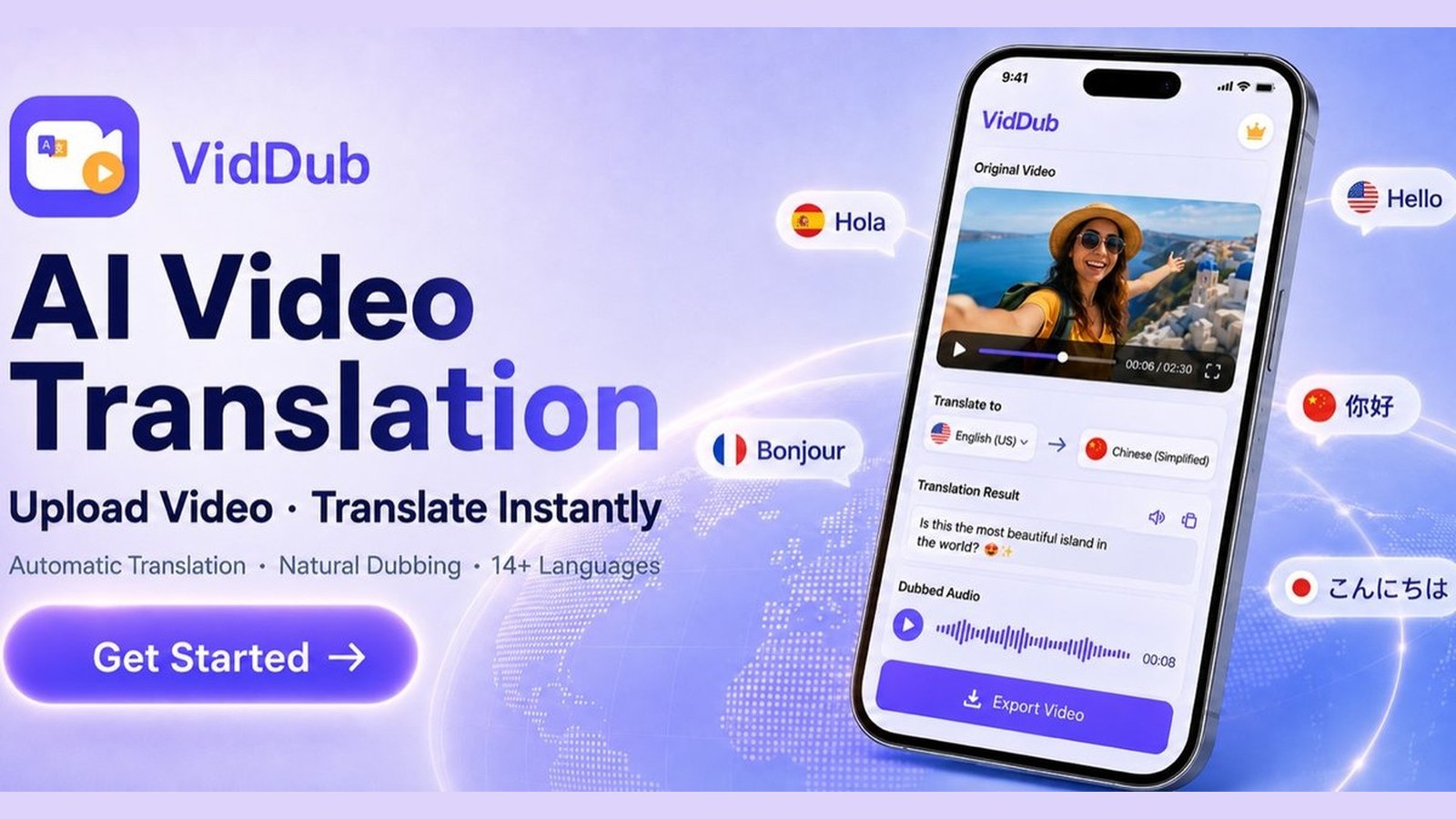
VidDub turns speech into burned-in translated subtitles (exportable) + optional AI voiceover. 17 source / 18 target. In browser.
Screenshots
About
Is VidDub safe?
VidDub was reviewed by a person before it was listed on Verified Tools. We check that the site works and matches its description; we don't audit its security or how it handles your data, so read VidDub's privacy policy before you share anything sensitive. You can also check viddubapp.com's spam score to see whether its backlink profile looks normal.
More AI Video tools
ClikDeo is a free video editor online no watermark. Create viral YouTube Shorts, trim videos, merge
InfiniteTalk AI — Next-Level Conversational Voice Generation
Still Images Are Dead. Long Live Video
Muse AI, Muse AI Video Generator, Muse AI Image Generator
Reviews
Used VidDub? Tell people how it went.
Loading…